How to Use Mandel Spa Self-Booking (Step-by-Step Guide)
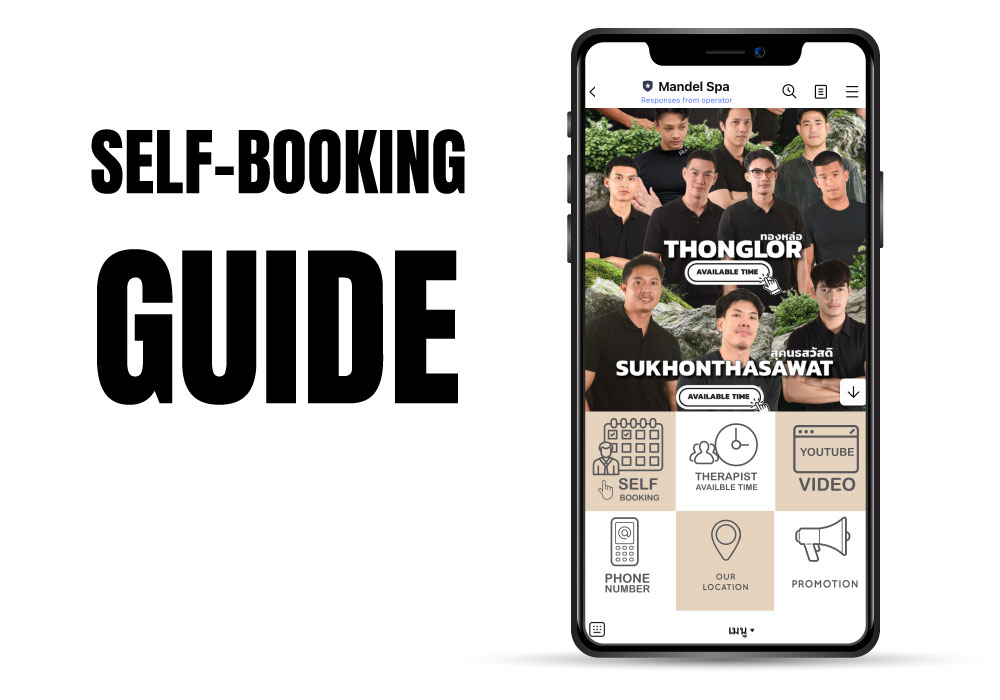
Booking with Mandel Spa is now faster and easier than ever. Our self-booking system lets you choose your branch, male therapist, program, and time slot 24/7, without chatting with an admin.
Step 1 — Add our LINE Official Account
Tap the button below to add Mandel Spa on LINE and receive your personal self-booking link:
Step 2 — Open the self-booking page
From the chat with our LINE Official Account, tap the self-booking link. On the booking page you can:
- Select your preferred branch
- Choose your male therapist
- Pick the program and duration
- Select an available time slot
Step 3 — If you do not use LINE, login with Facebook
If you do not use LINE, you can still access our self-booking page using Facebook login:
Step 4 — Receive your booking confirmation
After you confirm your booking, our system will send an instant confirmation message with your booking details. Please arrive 10–15 minutes before your appointment time so you can relax and prepare.
Ready to book a session with one of our male therapists?
Book a male therapist now