How to Use Mandel Spa Self-Booking (Step-by-Step Guide)
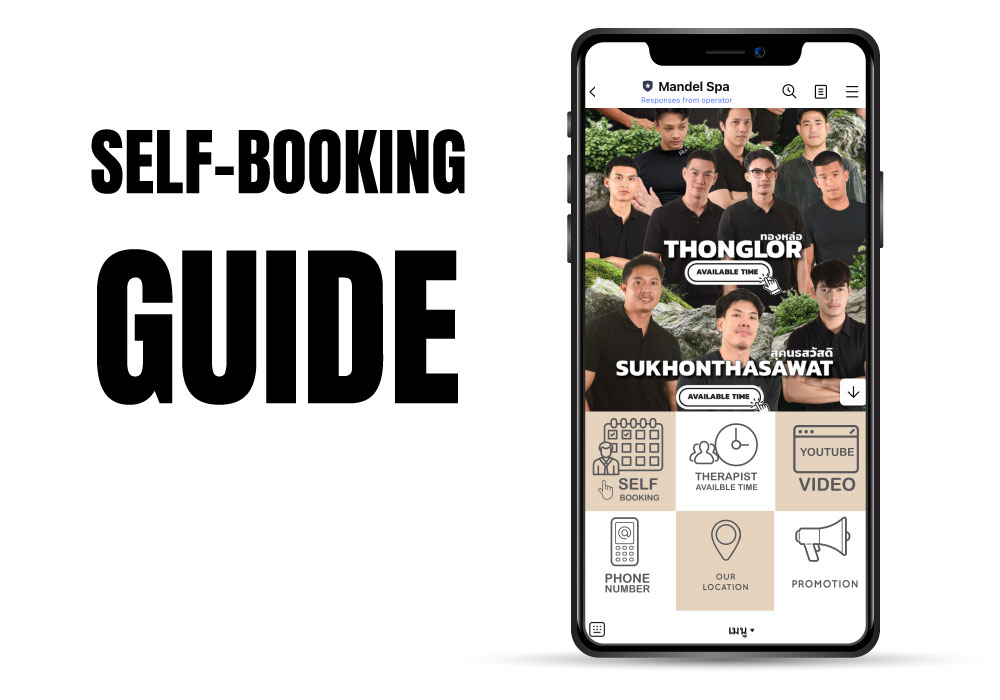
You can now book Mandel Spa yourself. With our self-booking system you pick the branch, male therapist, program and time slot, 24/7, without waiting for an admin to reply.
Step 1: Add our LINE Official Account
Tap the button below to add Mandel Spa on LINE. We'll send you your own self-booking link in the chat:
Step 2: Open the self-booking page
In your chat with our LINE Official Account, tap the self-booking link. On that page you can:
- Pick the branch you want
- Choose your male therapist
- Choose the program and how long you want it
- Pick a free time slot
Step 3: No LINE? Log in with Facebook
If you don't use LINE, you can still get to the self-booking page by logging in with Facebook:
Step 4: Get your confirmation
Once you confirm, the system sends you a message straight away with your booking details. Please come 10–15 minutes before your appointment so you have time to settle in.
Ready to book a session with one of our male therapists?
Book a male therapist now